
It is possible to download the QR Code of your Website created with the Cosito.it platform
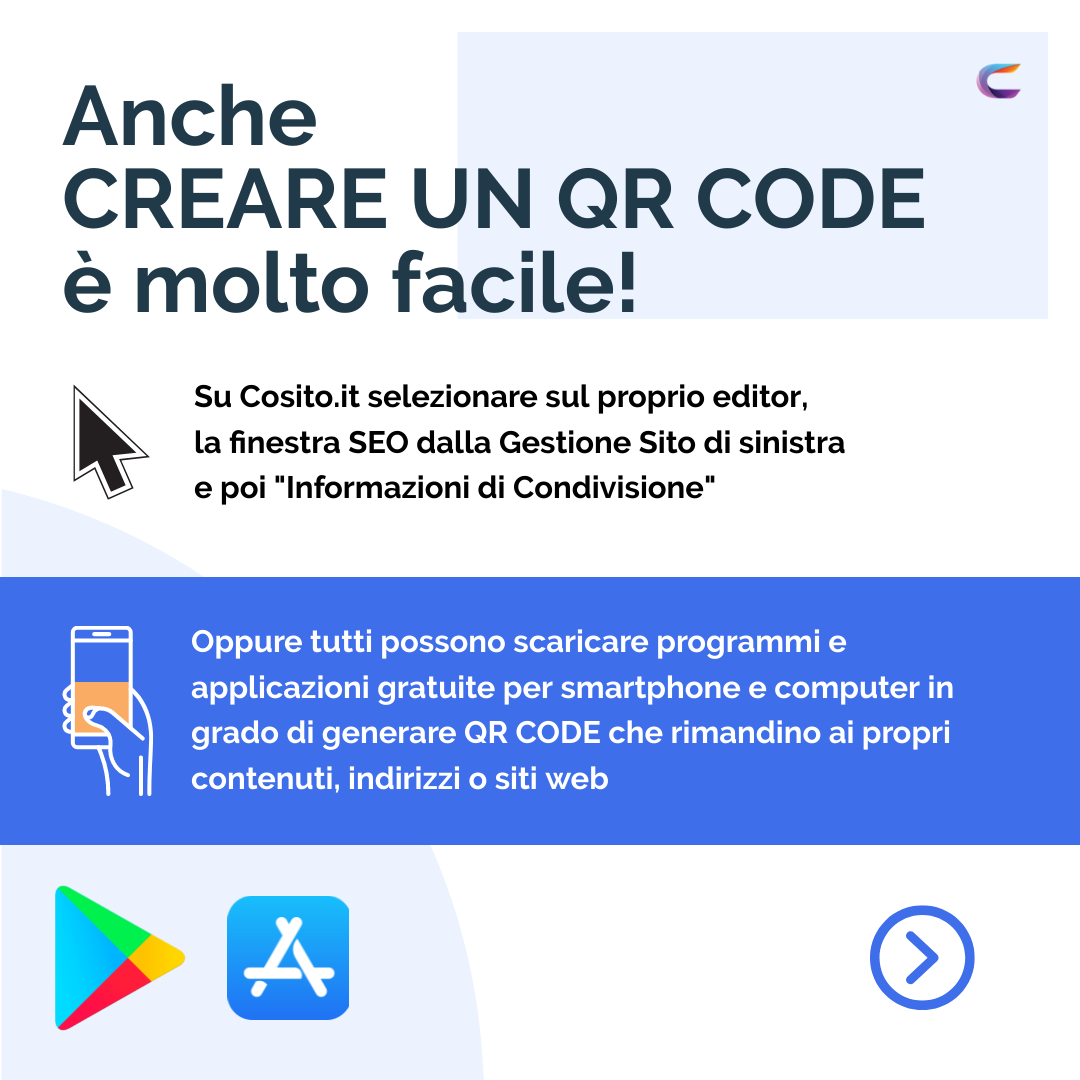
- Visit the Cosito.it page and enter your login credentials in the Login button at the top right.
- When you have entered the editor in the right column Click on the Site Management wheel.
- Open the SEO window.
- Also from Global Settings and from any page click on Sharing Information.
- At the bottom you will find the blue CREATE QR Code button.
- You can change color and size.
- Click on the Download QR Code button.
- Scan and your site will open!
Why QR Code?
There are two main reasons for creating a QR code for a website.
One is to make sharing easier and more interesting. Imagine a popular article online, it can be more Interesting if shared in a printed copy. When the website QR code is scanned, the user is redirected to the article page itself. This will help to get more visitors.
The second reason is to give mobile users greater freedom of use. For example, you do not need to type the URL of the website but it will be sufficient to click the QR code and insert a bookmark in the post or
article to be able to examine it later.
As more and more people use their phones on the go, it makes sense to refer to your content easier and faster at any time.
So what's stopping you from giving your viewers comfort? Download the QR code from your website!