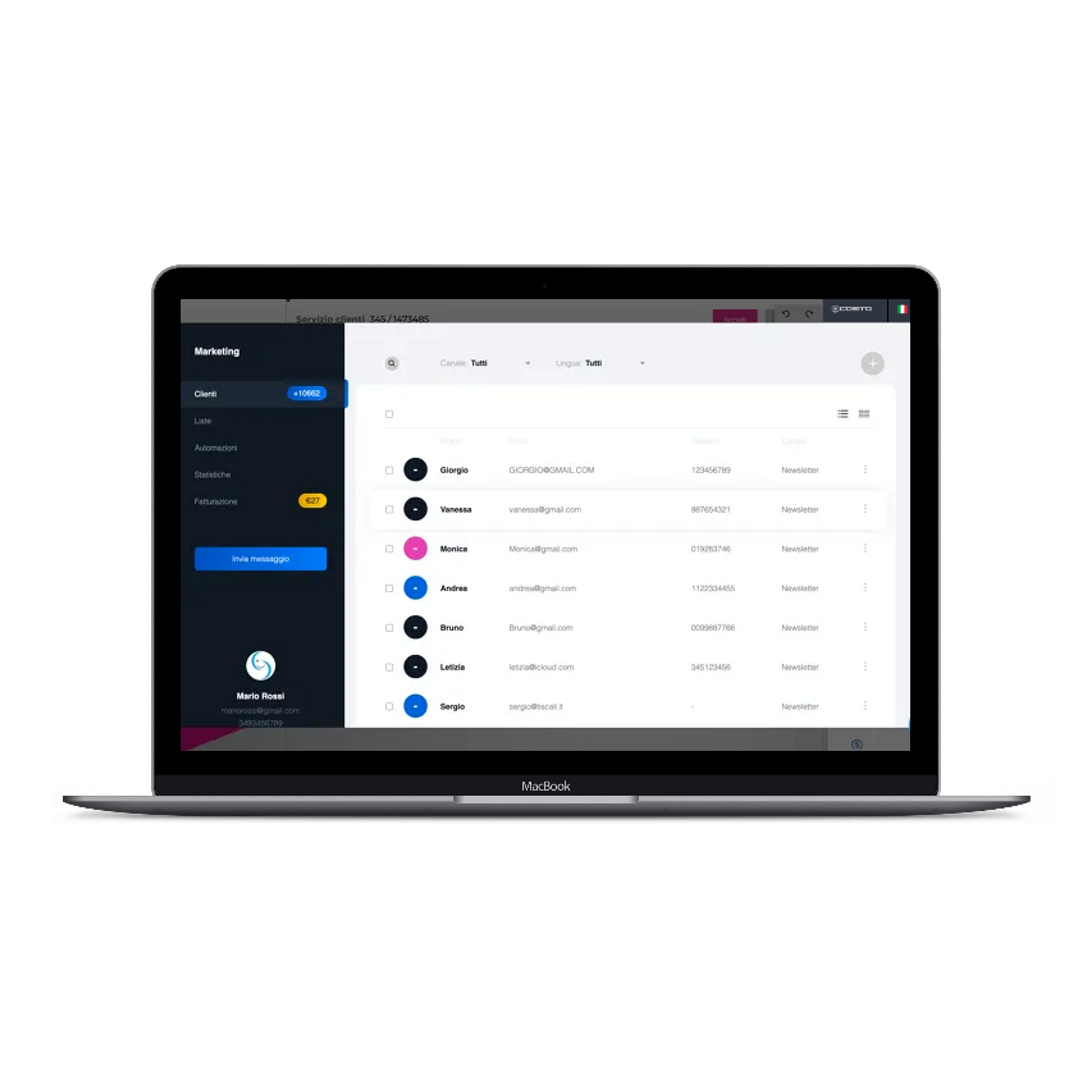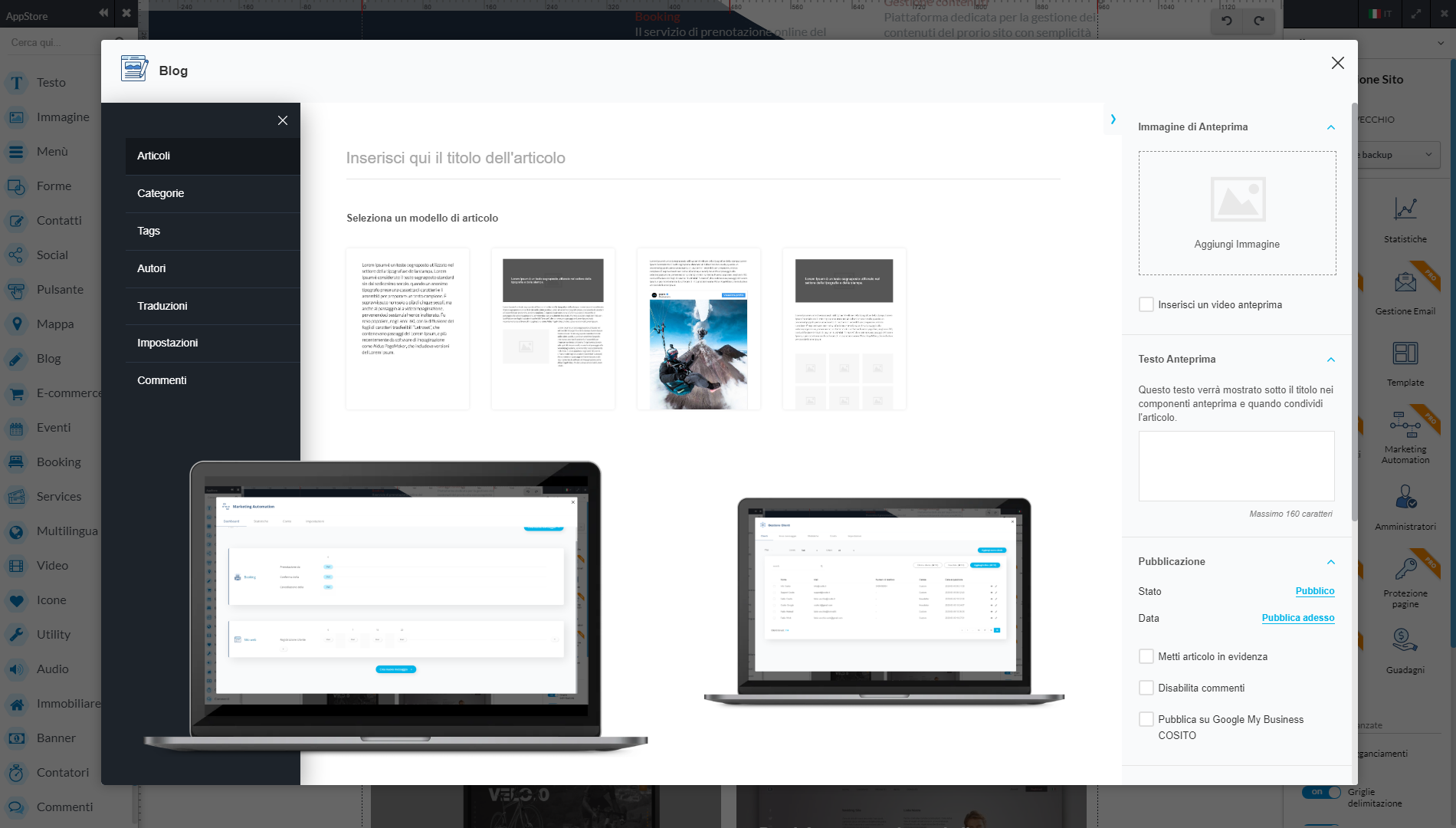

Newsletters are a marketing strategy low cost but very powerful because it combines the immediacy of email with the creation of personalized content to build an increasingly close relationship with customers at the right time.
The Cosito.it platform also allows automatic remarketing through configuration of multichannel messaging.
Such messages can be associated with specific actions, but the most important thing that we invite you to activate is the action to restore an abandoned cart by a visitor.
You can simply write a message remembering the products in the cart to your potential customer, but if you want to make it more convincing, follow our advice:
- Automatically send the message in a few hours, with Cosito.it you can program when.
- Add a promotional code created on the e-commerce discount management, or offer free shipping or anything else that might interest your recipient.
- If the abandoned product is already discounted, send the message reminding you that the offer is limited time: often the sense of urgency is a stimulus that helps conversion.
- Add products for up-selling (incentives to buy more products) or cross-selling (encourages the purchase of complementary products or services using the same logic as above to make your offer more convenient).
Check the Statistics
Before seeing how to activate the automatic function of sending e-mails to the potential customer who has abandoned the order, let's check all the statistics visitor details.
From the editor (work plan) of your Site created with the Cosito.it platform, click on the Marketing button on the right, then on the Statistics panel.
A series of useful data are displayed to monitor the traffic of your site, but at this moment we need to see who has not completed the purchase, so click on E-Commerce, then Details.
From this window we can check the abandoned order and all the details of the potential buyer on 'Visitor profile '. All users who have not completed the purchase will be displayed (use filters by date).
Set up automatic email for abandoned cart
Checked users who have not completed the purchase, we can configure the automatic e-mail for sending abandoned cart.
Click on the Marketing Tools panel, then on E-Commerce Automations and on Abandoned Cart Mail.
Click on the blue Edit Message button , change any language.
Click on the preview to customize the e-mail by inserting, for example, the logo of your company.
Completed the personalization of the e-mail, perhaps adding
a promotional code to invite potential customers to purchase, click on Save and select.
Decide when to send the email after the cart has been abandoned, for example we insert after two hours; write the message label to identify the email in the automation list; enter the subject of the email that our user will read and activate the Status of the message; Save.
The auto-send email has now been configured for visitors who have not completed their purchase.
Do you want to create a powerful E-Commerce?
Increase your earnings by selling your products or services online. No commissions on sales and unlimited products. Simple and intuitive management of
your online store.To better understand the easy management of e-commerce through the Cosito.it platform, you can contact us via WhatsApp, telephone at +39 349 64 92 084 or write us an e-mail without obligation to info@cosito.it