
Available in the editor of Websites created with the platform Cosito.it, you can find the new E-commerce store that is to be upgraded in content, functionality and navigation mode and provides access to a store that is modern and efficient.
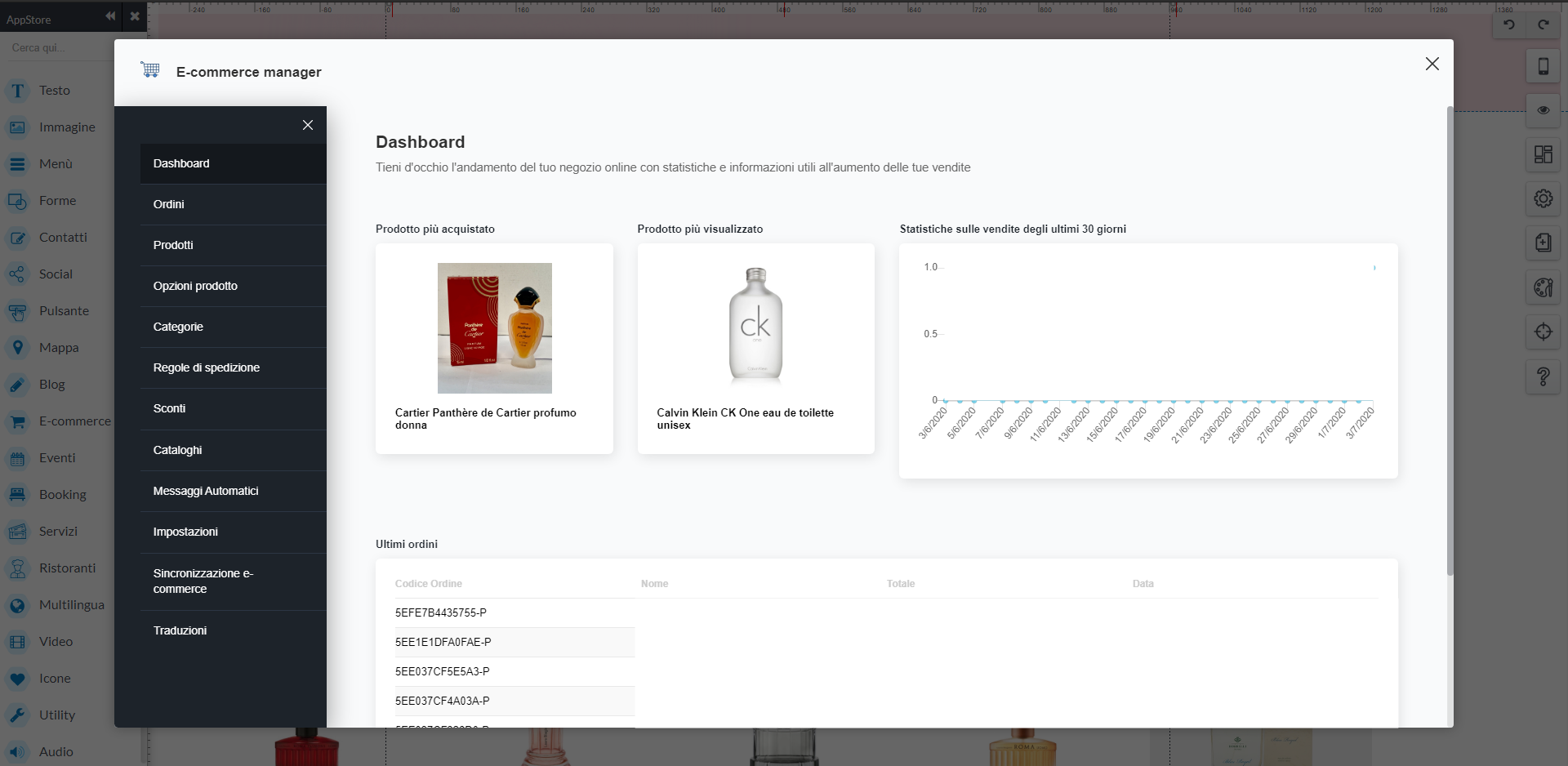
Dashboard
As soon as you open the Management of E-commerce, the first window to appear is the Dashboard. Here you receive the product that is bought and sold with the trend of the statistics on the sales deglu the last 30 days.
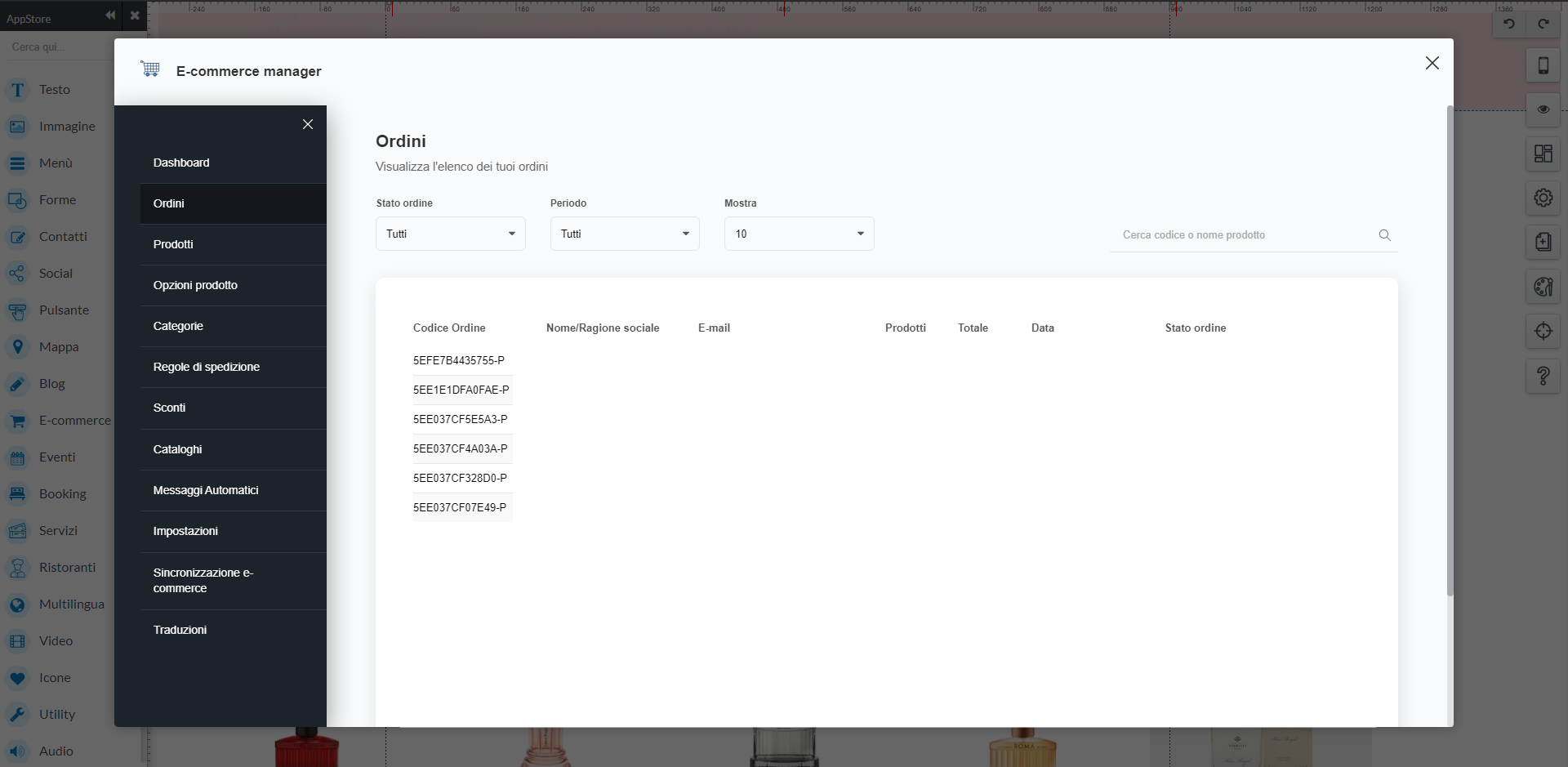
Orders
This window lists all the Orders and can be filtered by Status, Period, and Rows. For every Order you receive the Code, the Name/corporate name of the buyer, E-mail, how many Products are purchased, the Total consideration paid, the Date and the Status of the Order
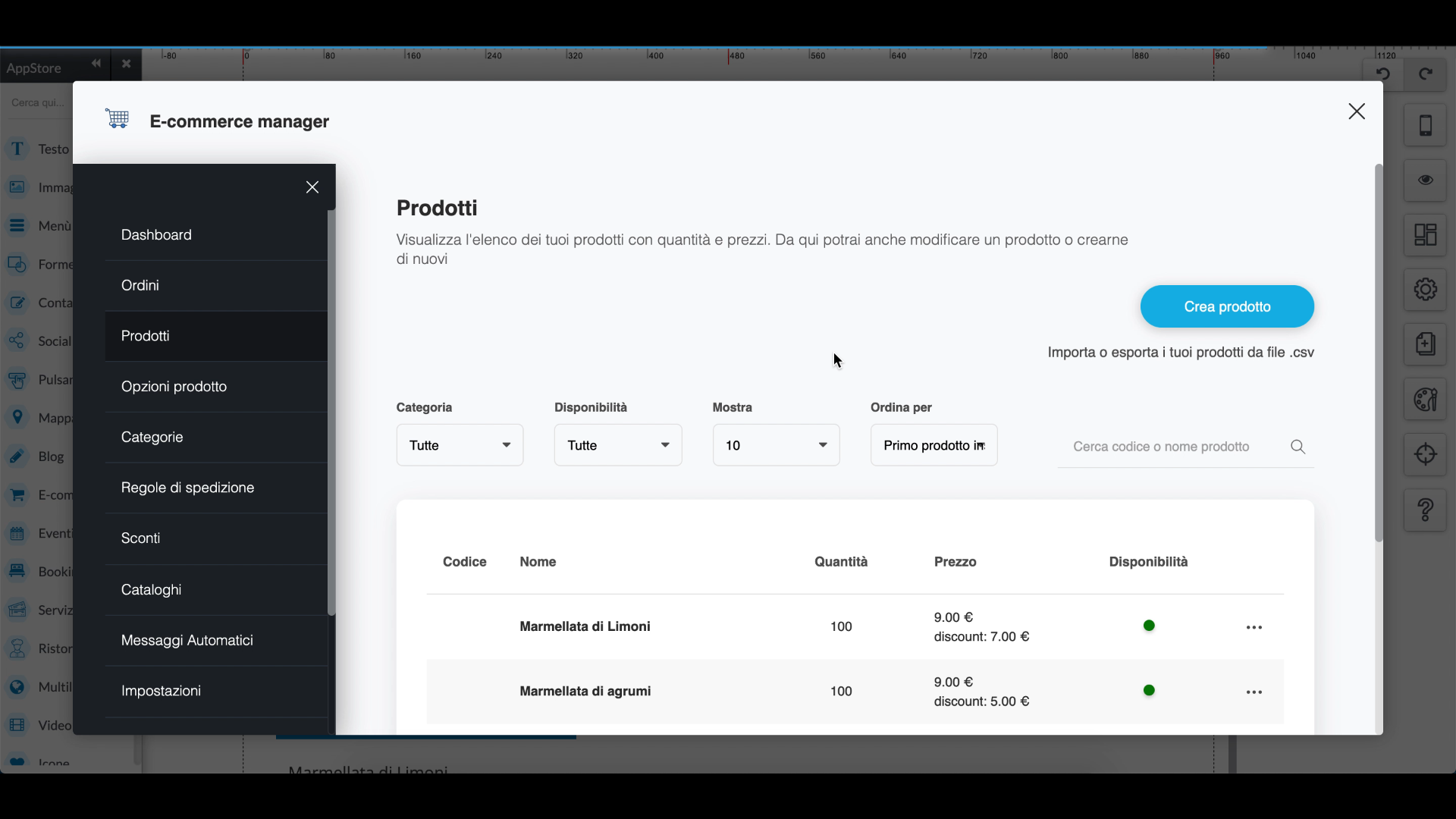
Products
Here you can view your list of products with quantities and prices. You can export and upload a list of products via a file .csv
From here, you can also edit a product or create new ones with by inserting all the details from name to price, from the image of a discount, by category, tag, etc
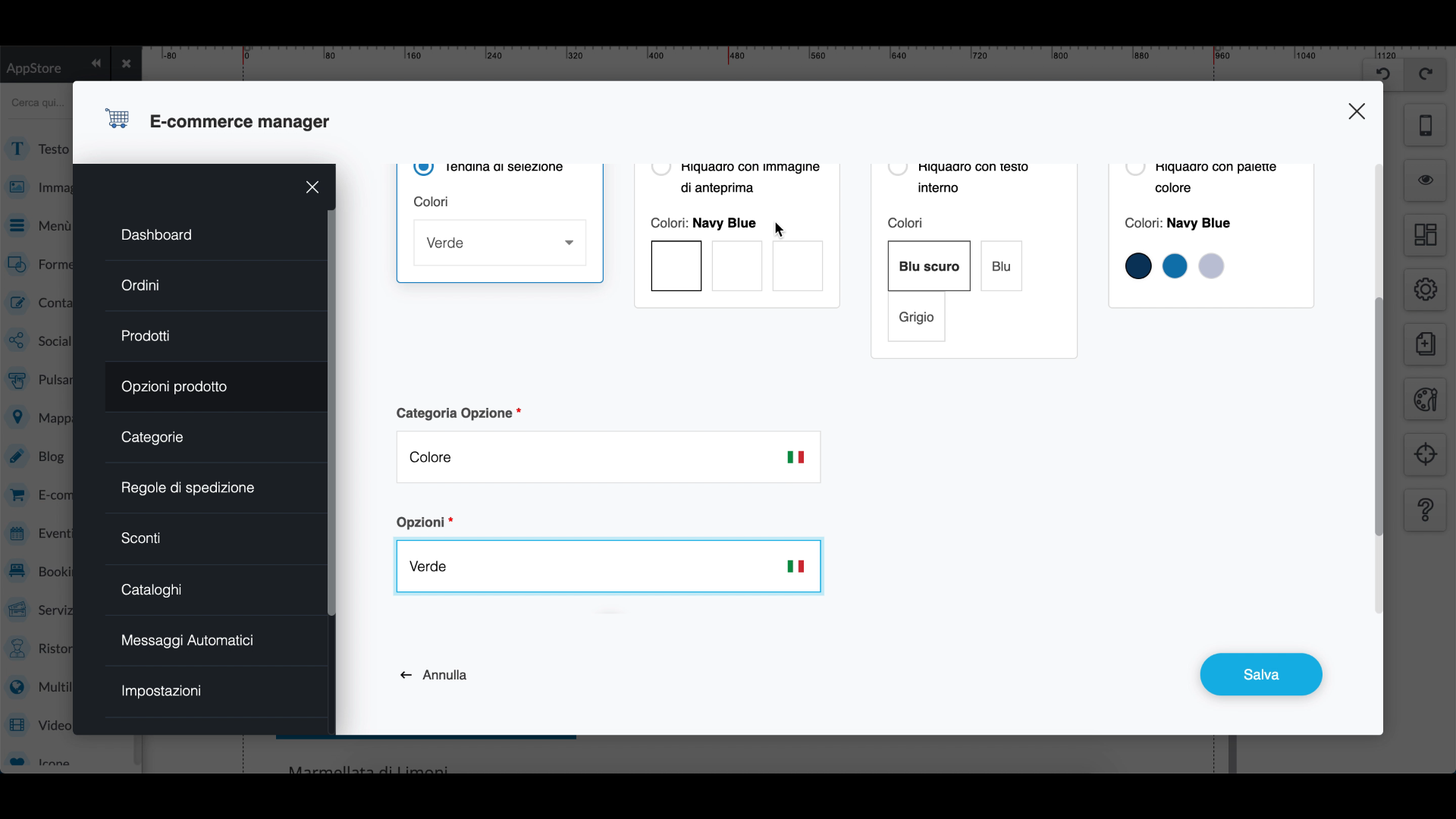
Product Option
The options allow you to add variants to your products. In this way, for example, your customers can select the color and the size of a t-shirt or any other option for your type of products
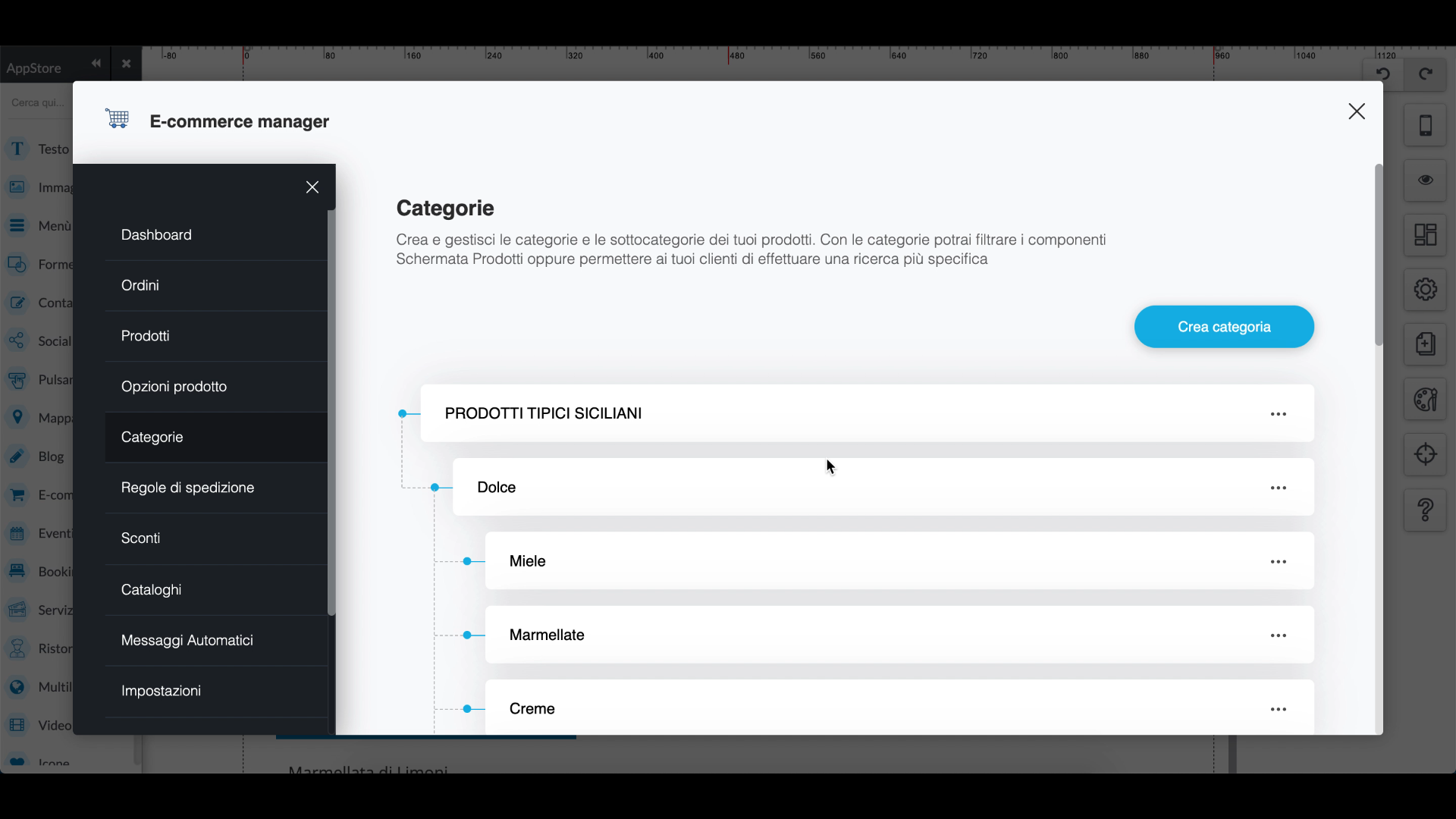
Categories
Create and manage categories and subcategories of your products. With the categories you can filter components, Screen Products, or to allow your customers to make a more specific search.
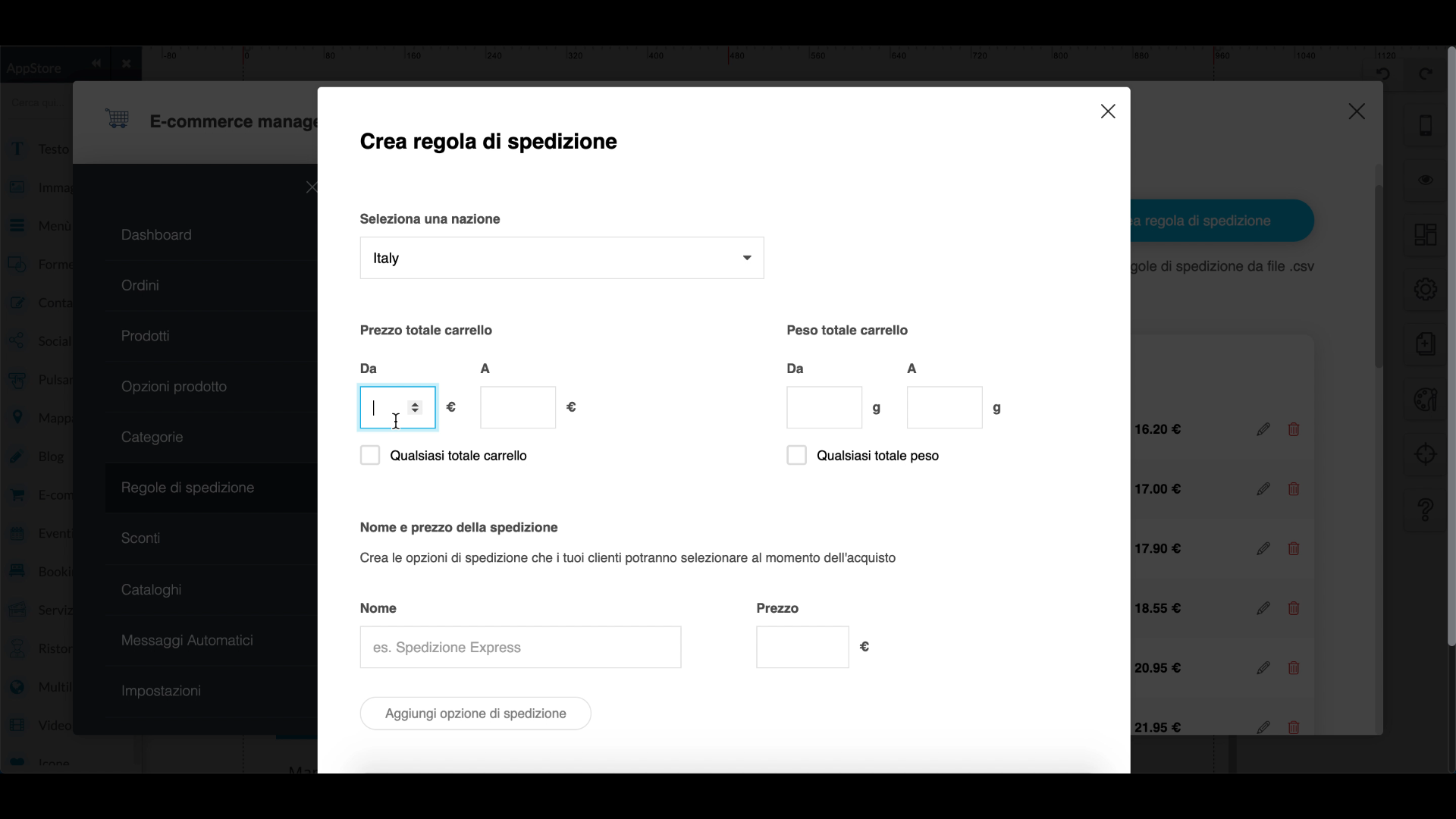
The rules of Shipping
Set the rules for weight and total value of the cart. If needed, you can create variants for nations, regions, and zip code.
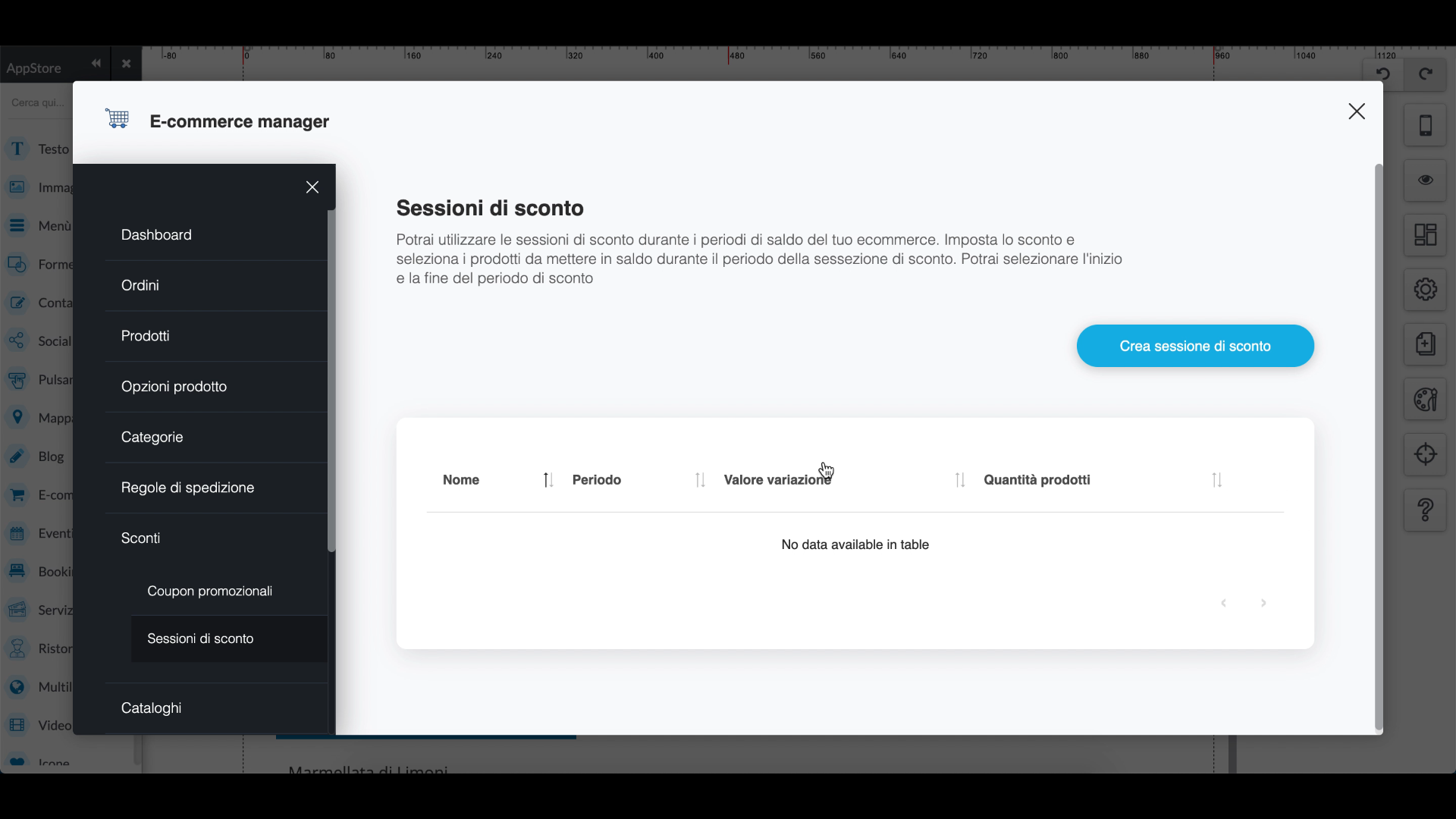
Discounts
- Create promotional coupons to send to your customers to increase your sales.
- You will be able to use the sessions of discount during the period the balances in your ecommerce. Set the discount, and select products to put in balance: you can select the start and end of the discounts.
The New Catalog
In this section you will be able to create the specific catalogues of products and different prices. You can use the catalogs to differentiate the offer to your customers (for example, you could create a catalog for wholesalers with a price list more low). After you have created a catalog, you can make it visible by filtering a component Screen Products present in your site.
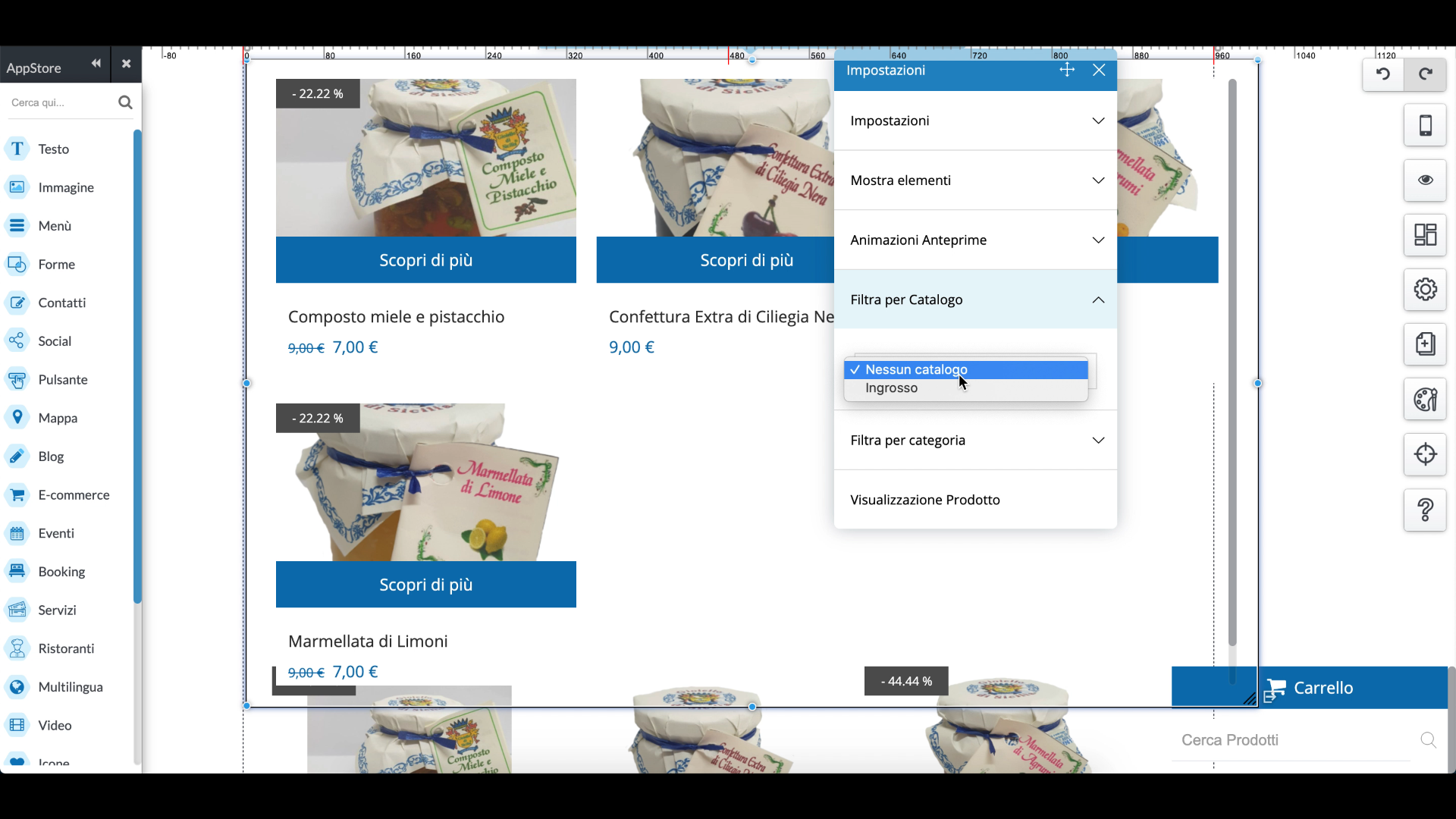
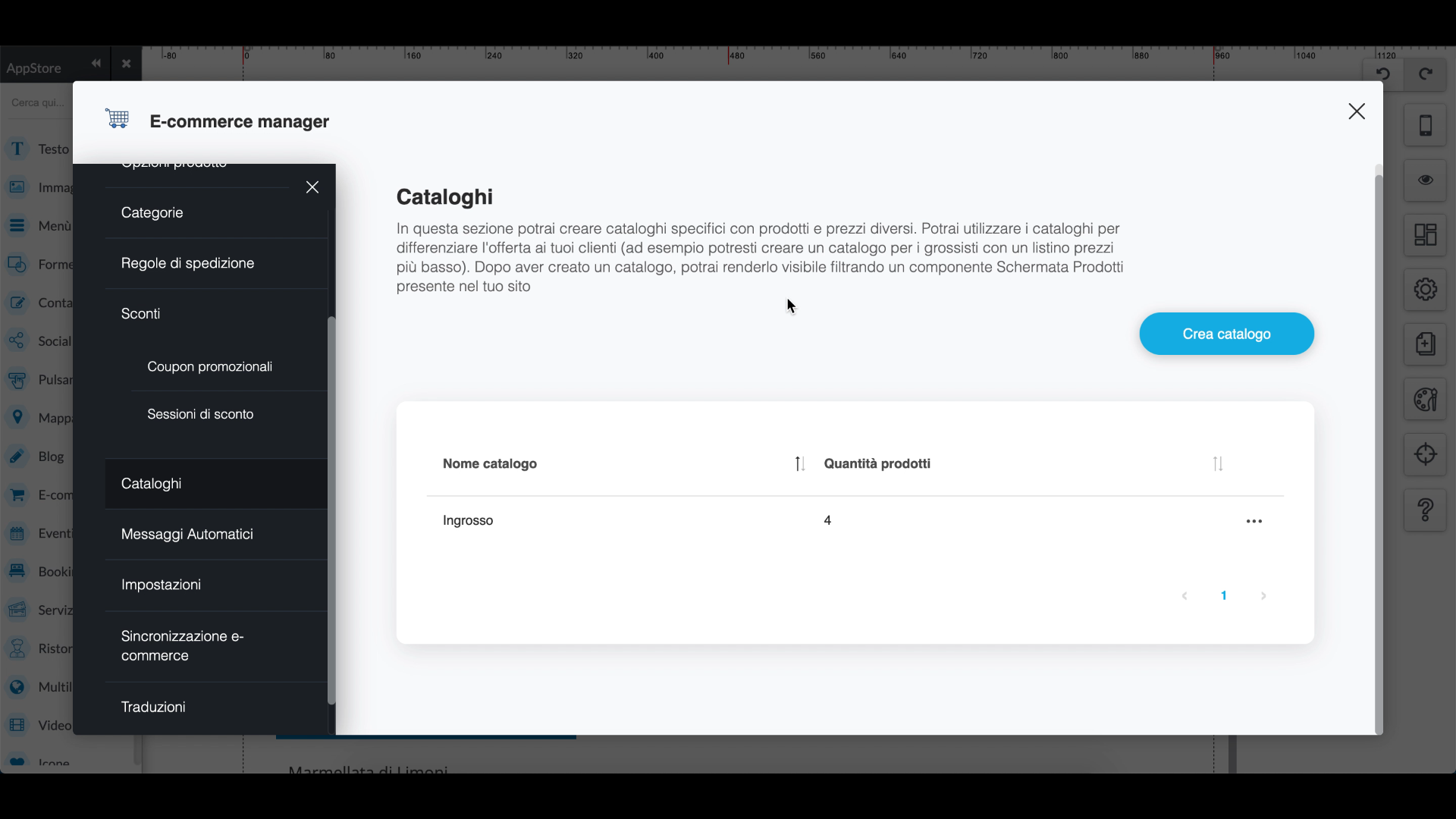
Creating a new catalog you can assign a name and select the products to add. After you have added the products you will be able to change the prices to apply only to the catalog.
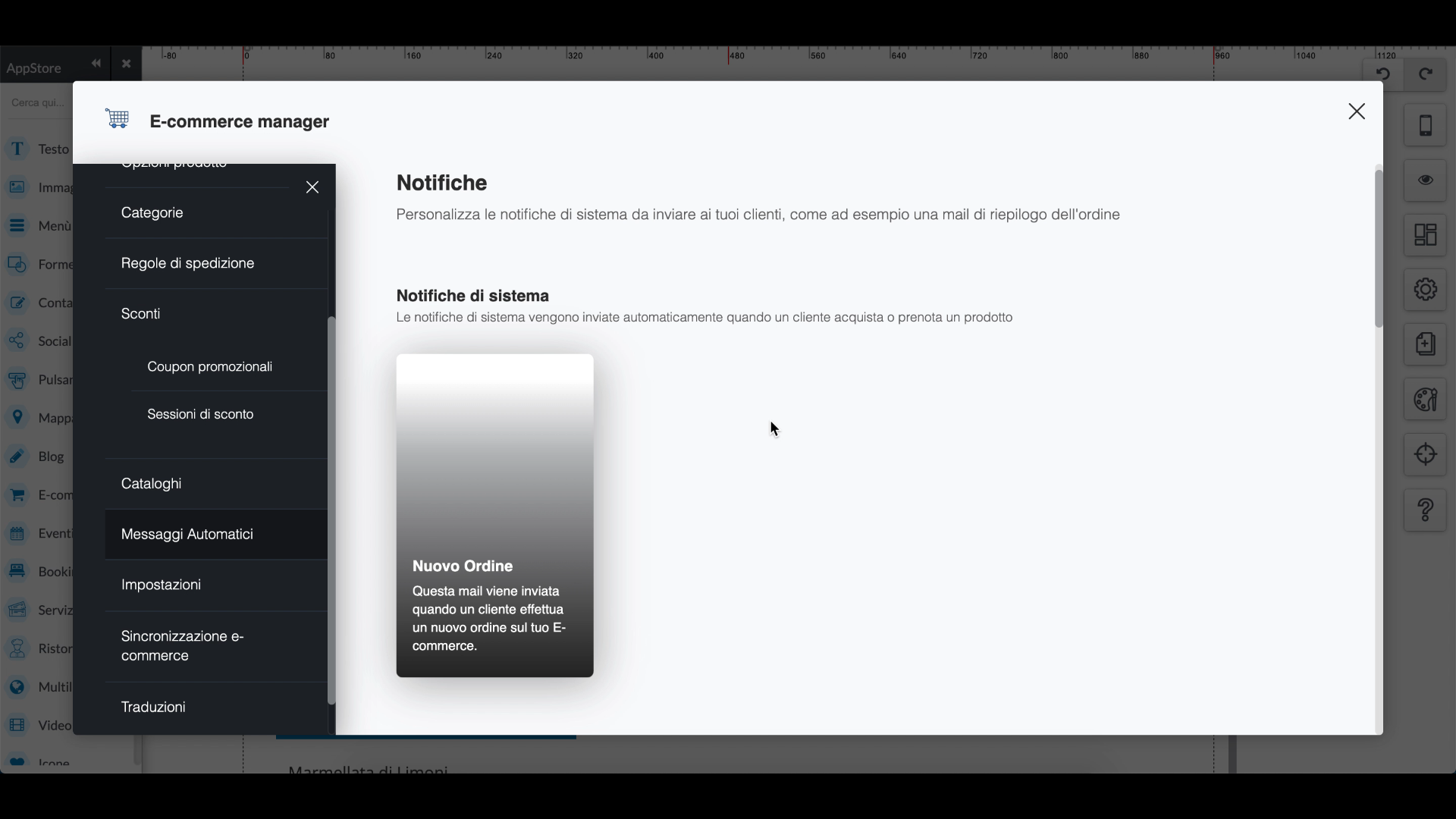
Automatic Messages
- Customize the system notifications that you send to your customers, such as, for example, an e-mail summary of the order and will be sent automatically when a customer buy or book a product.
- Add and customize your communications automated with Marketing Automation: Create custom messages to be sent automatically to your customers after they have performed an action on your ecommerce
Settings
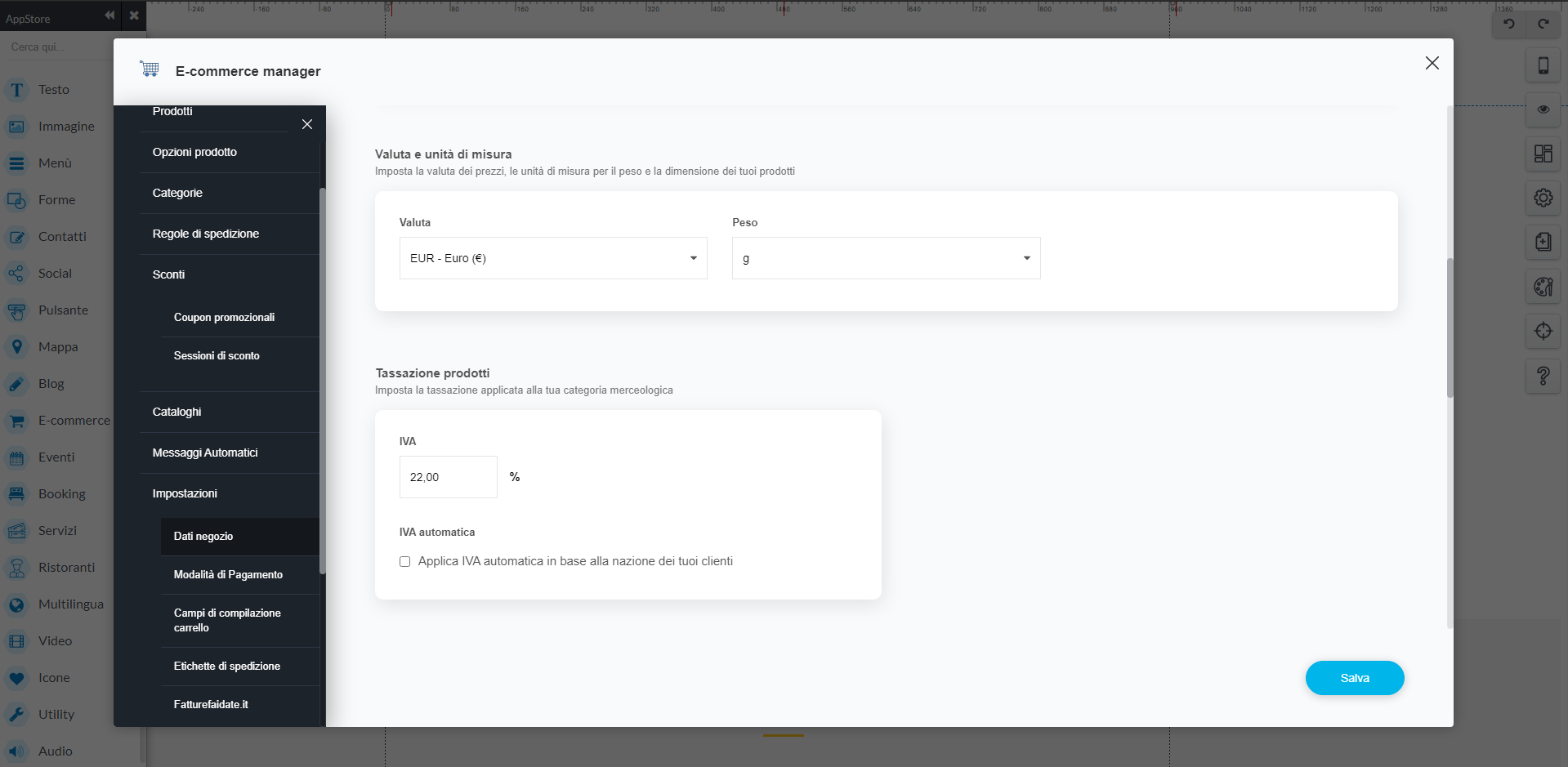
- Enter your information such as Name, Address, Tel. Mail, VAT etc., and sets all the main rules your online shop.
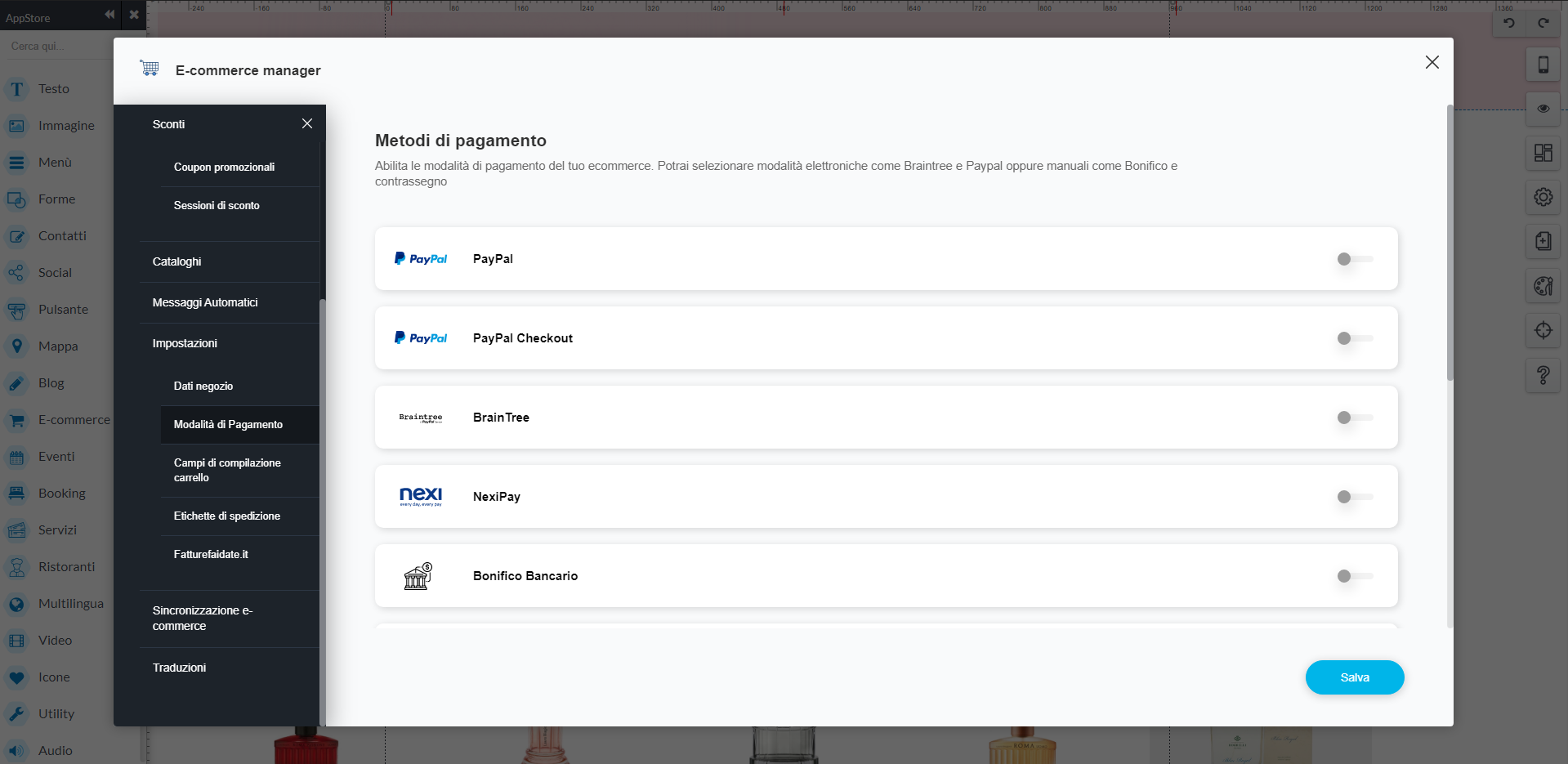
- Enable the payment methods of your ecommerce. You will be able to select electronic means as Braintree and Paypal or manual bank Transfer and cash on delivery.
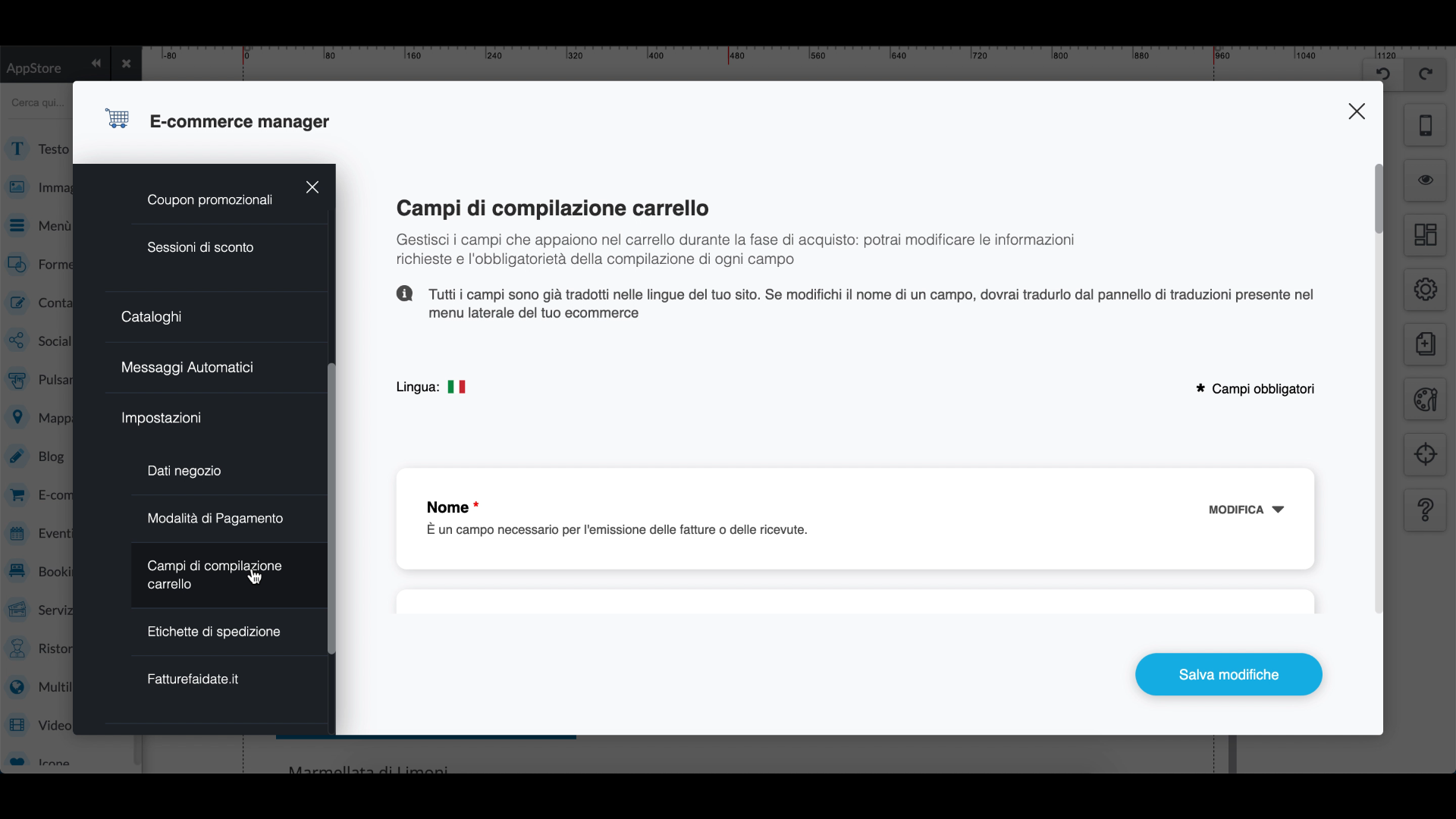
- Manage the fields that appear in the shopping cart during the purchasing phase: you can change the information requested, and the obligation of the filling of each field
- Linking an account ShippyPro to your ecommerce: simplifies the generation of the labels and get numbers tracking sent to your customers to keep them updated of shipment status.
- Manage and automatically generate the invoices of your orders automatically by connecting your ecommerce to e-billing fatturefaidate.it
Synchronization
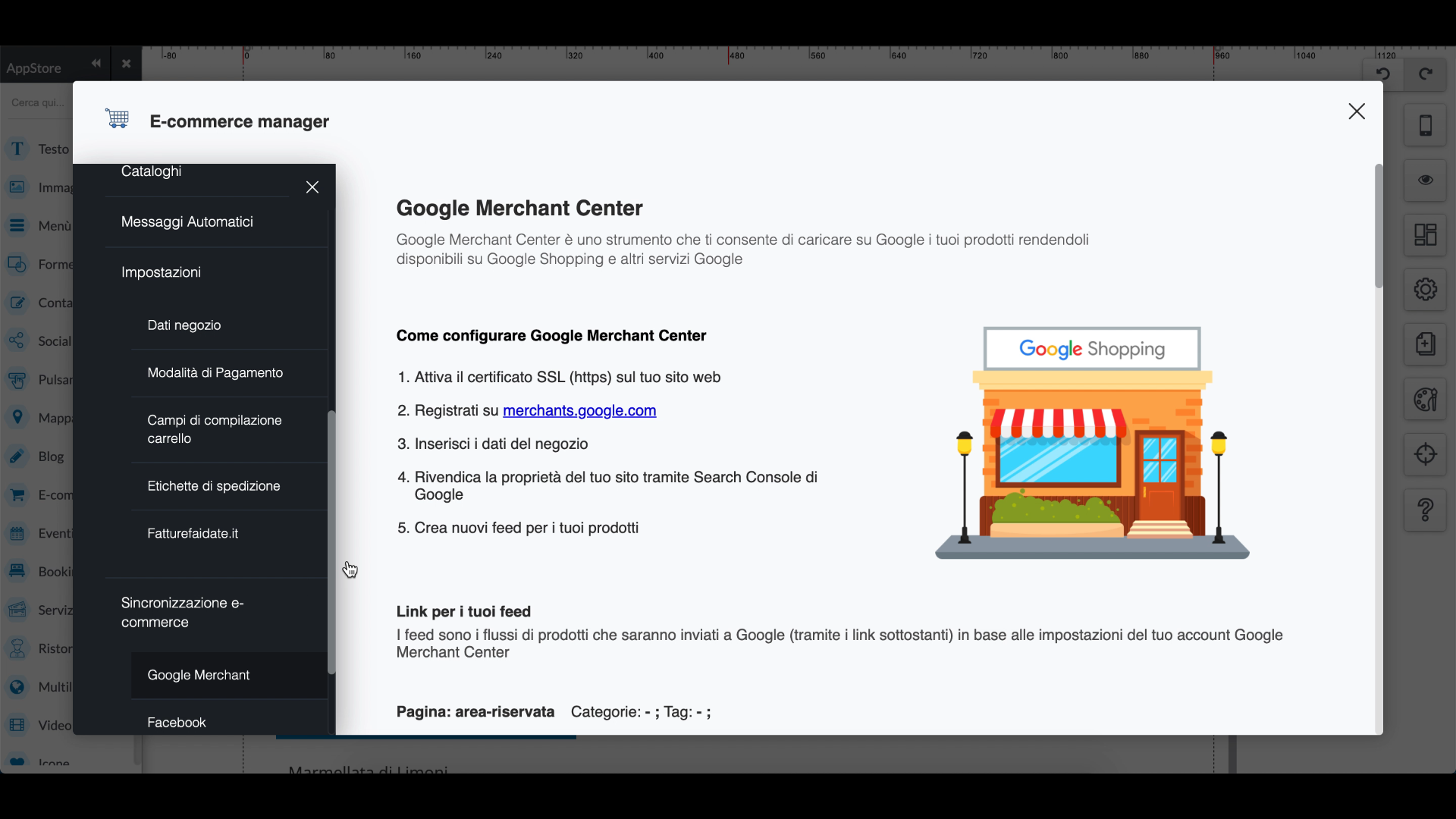
- Google Merchant Center is a tool that allows you to upload to Google your products, making them available on Google Shopping and other Google services
- If you have a page Facebook , you can publish automatically all the products in the Social Network
Translations
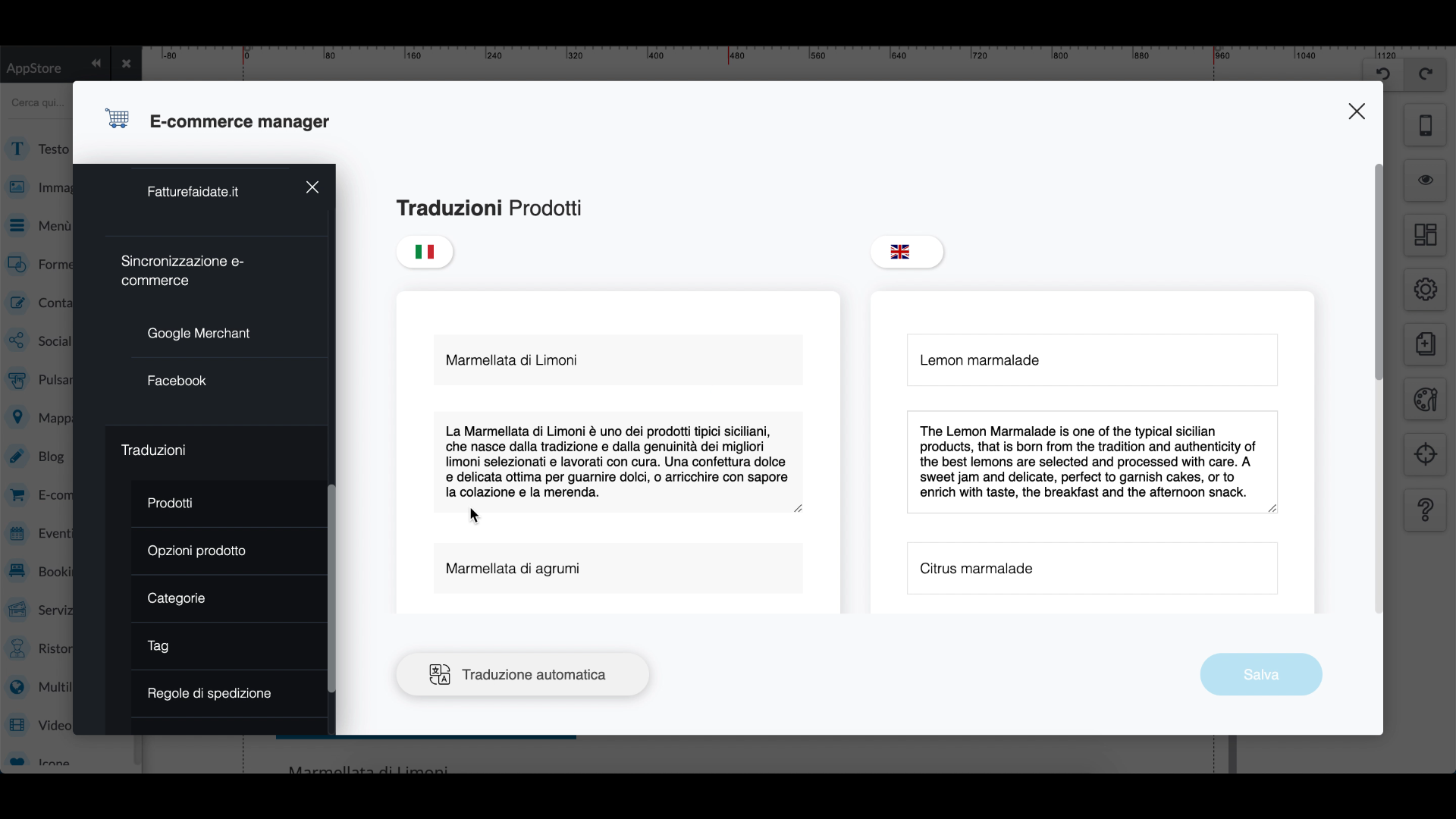
With a simple click you can auto-translate the title and description of the products, options, categories, Tags, rules, shipping and the fields filling in the shopping cart.
For Cosito.en the new e-commerce made available to all, represents a new and fundamental step of your journey is evolutionary; a path that over the years has seen the growth of important goals to become today one of the local equal to the major brands in the Italian market.