
Customer Management
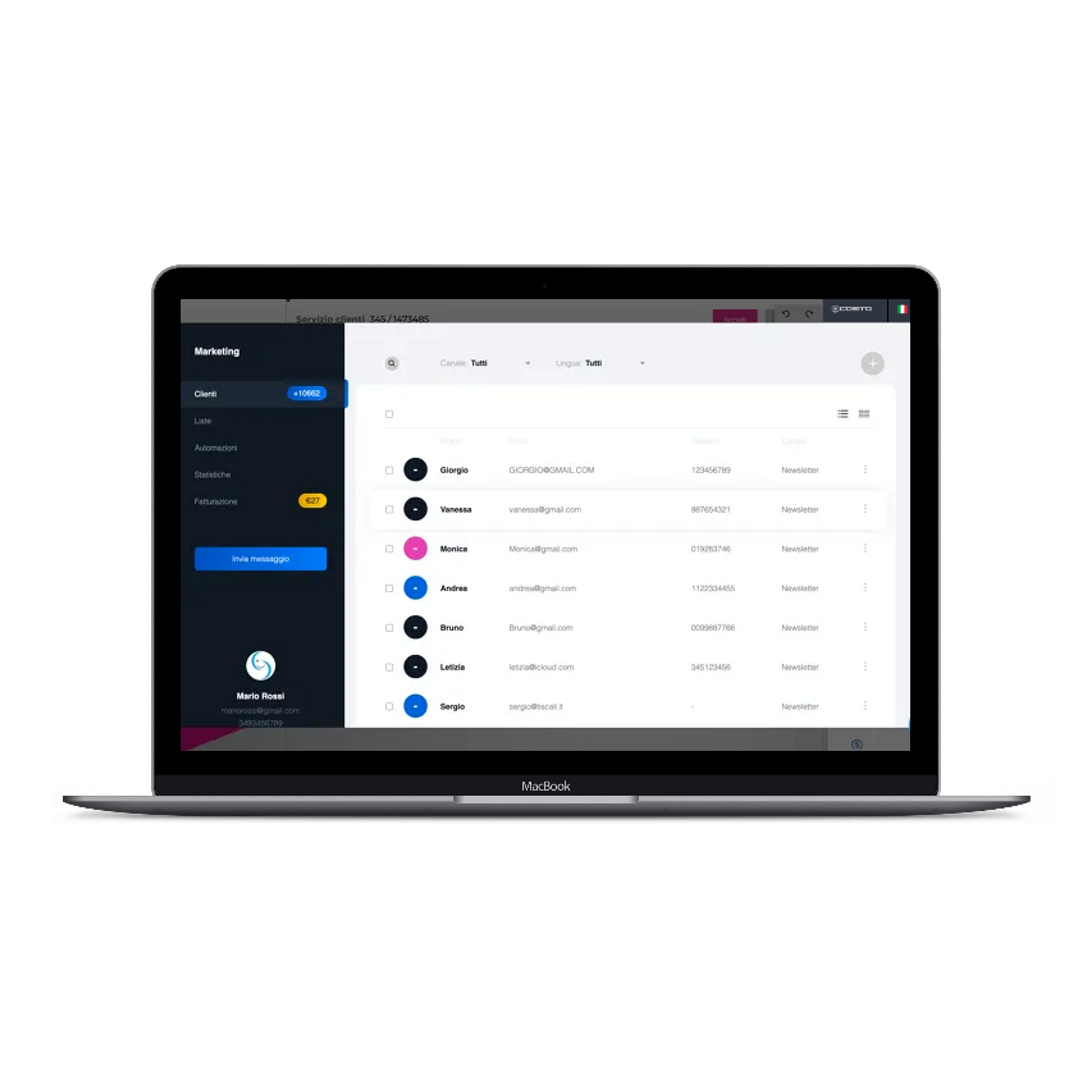
Marketing Automation
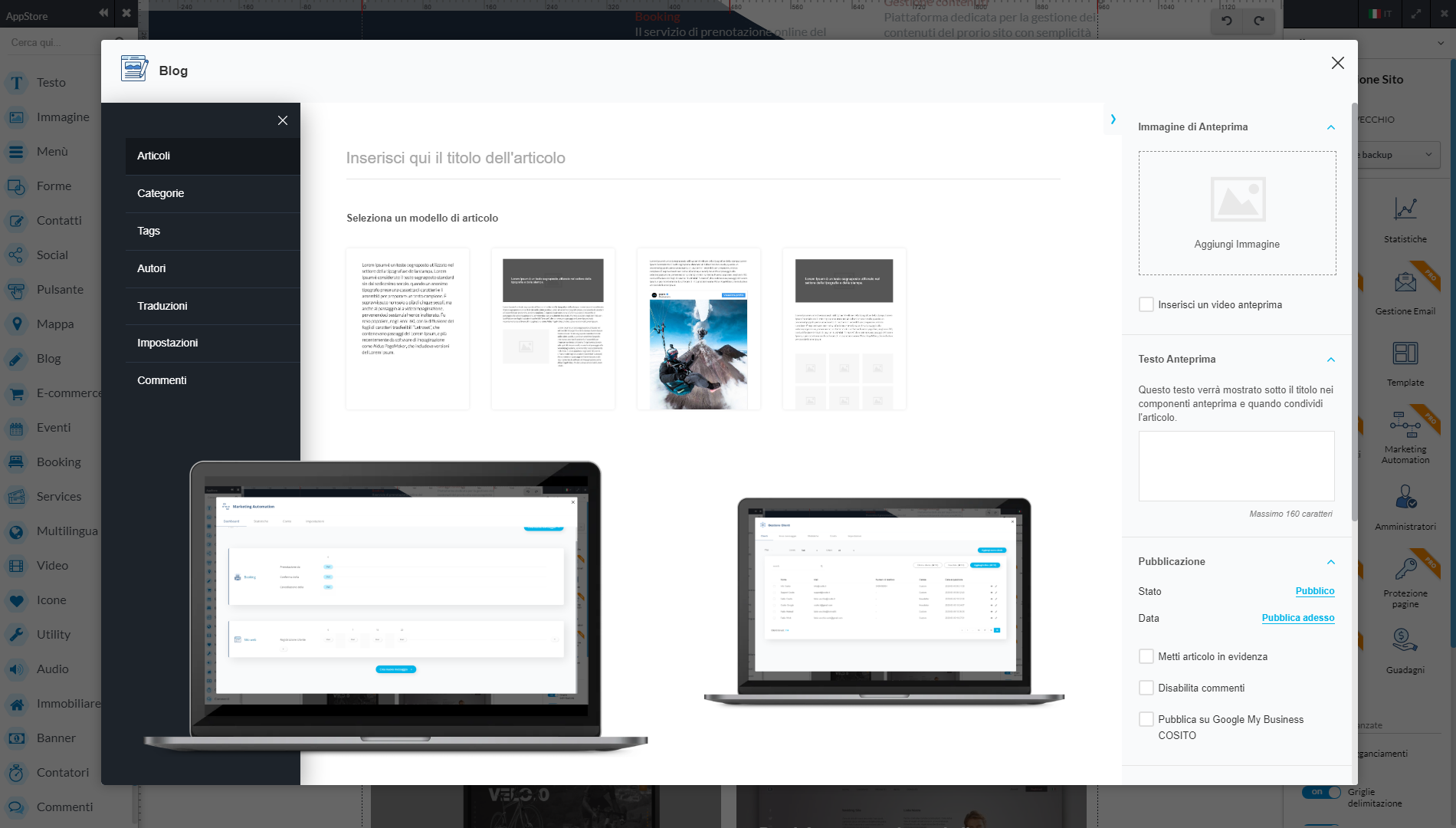
New Blog
Menu
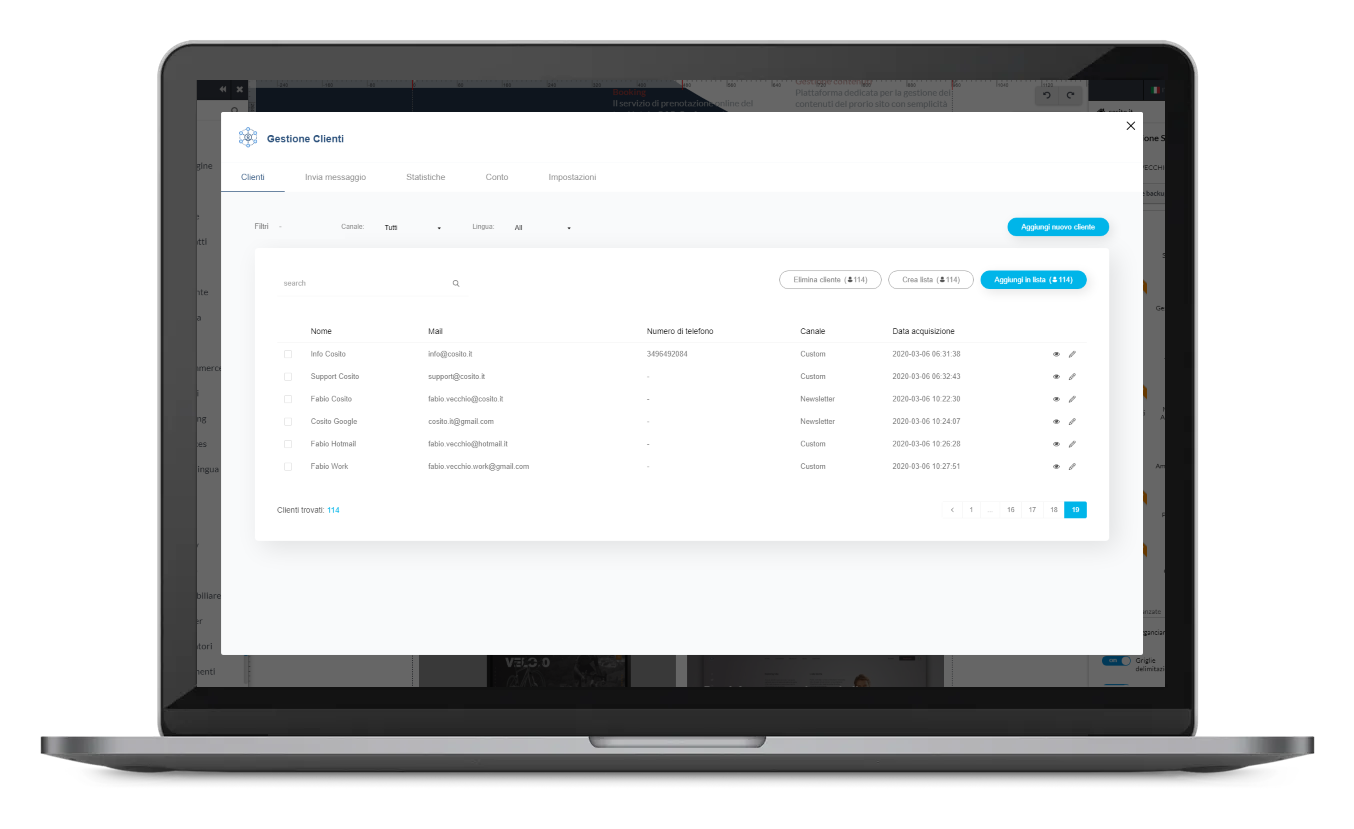
Customer Management
The Management of Cosito is a simple and practical tool that allows you to interact more effectively with visitors to your web site.
With the Customer Management you will:
- Analyze the actions and information of your customers
- Create lists of customers
- Send you newsletters and promotional messages
- Use 4 different channels: email, sms, im and push browser.
You can start using the Management Clients by going to your workspace and clicking on the Management Website and Customer Management.
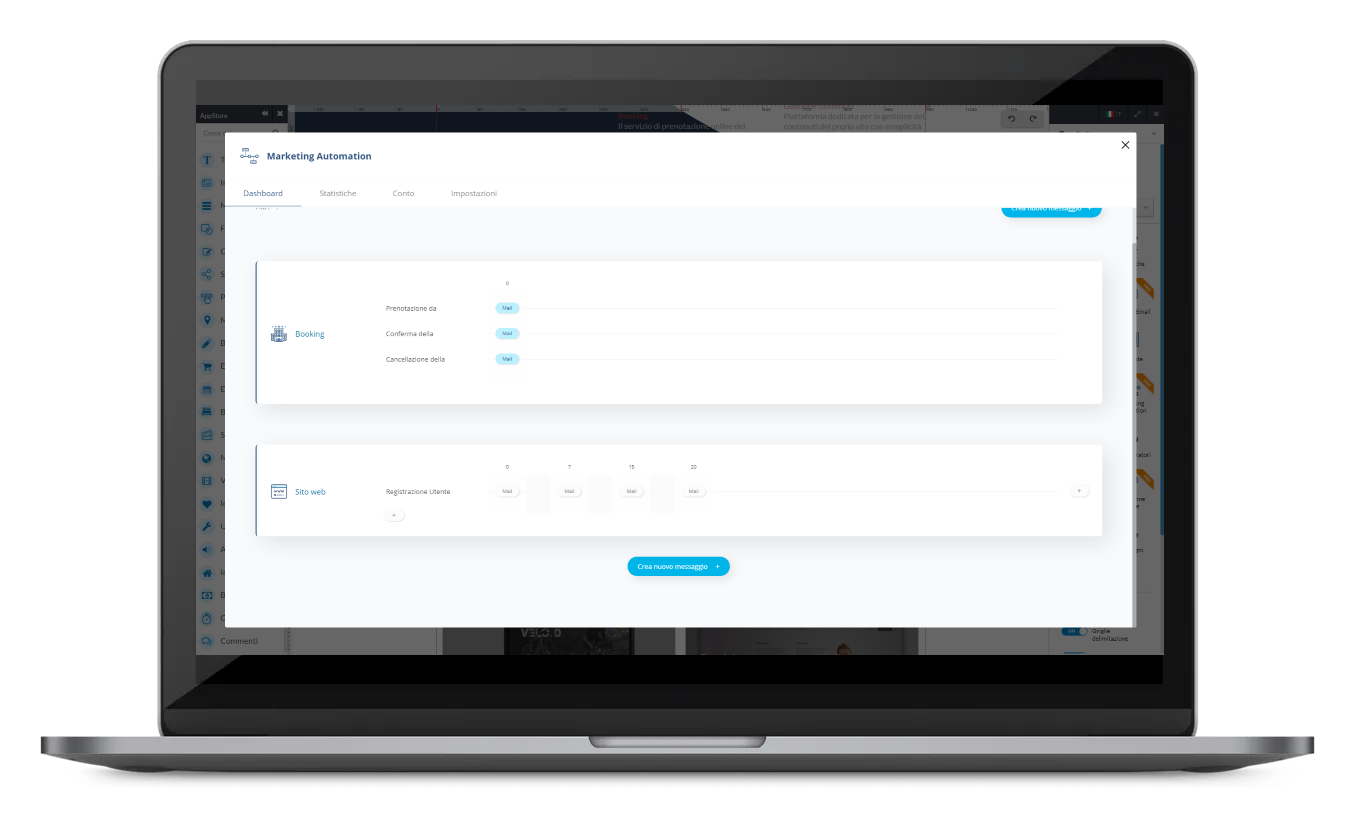
Marketing Automation
The new functionality in Marketing Automation allows you to send automatic messages to visitors after they have registered or completed a purchase on your site. After you have programmed the message, you will not have to worry about anything, it will be sent automatically when a customer performs an operation on the website. The automatic delivery will continue to communicate with your customers increasing in a short time your sales.
Exploits 4 different channels: Channel Email, Sms Channel, Chat Channel, Channel Push Browser.
New Blog
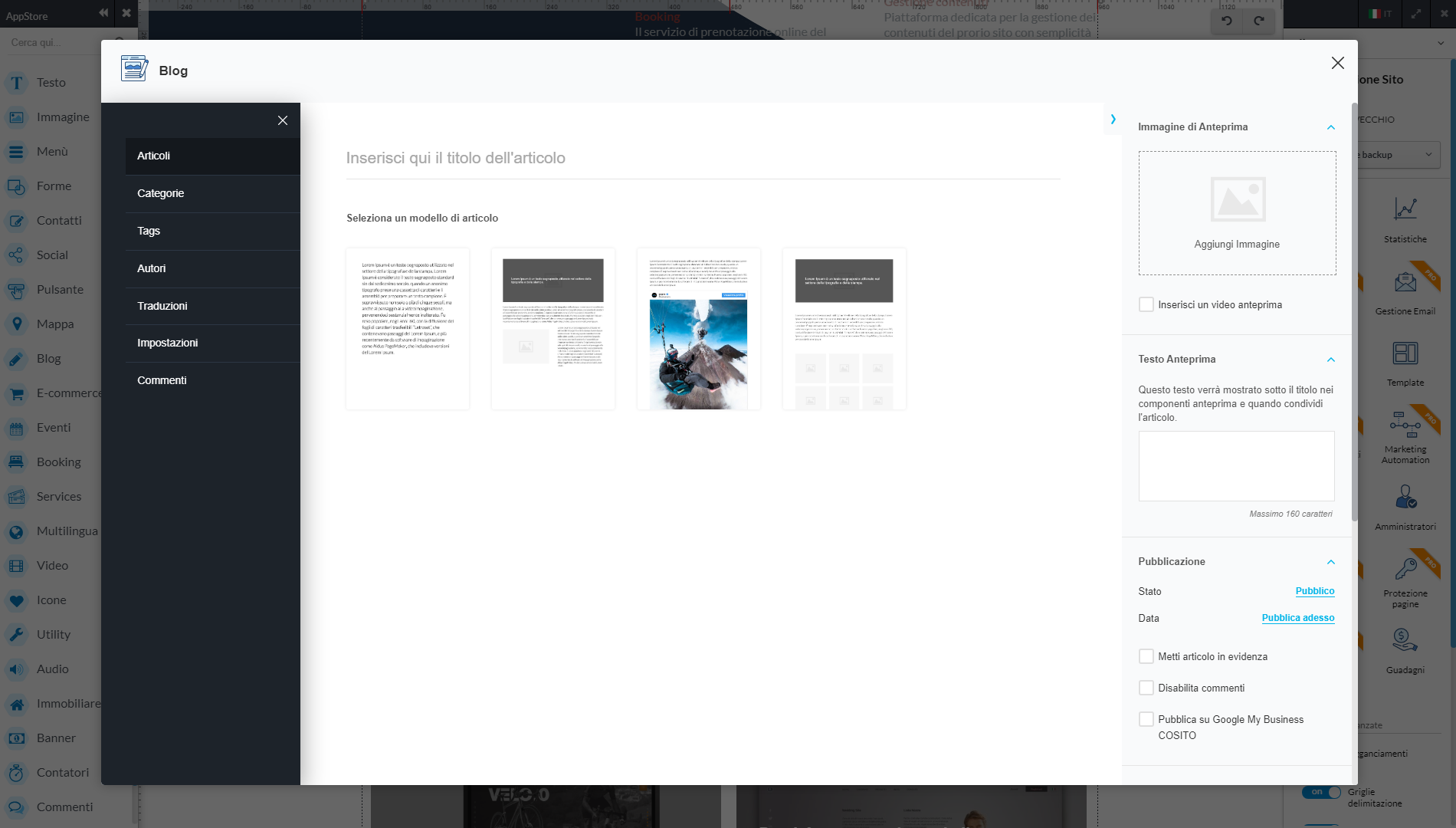
By now in your editor you will find the new management and the new components in this Blog. Thanks to the new Blog, create and publish your articles will be even easier!
Here are all of the news of the Blog:
- New editor to create Articles with the possibility to add Video, images, Galleries, Posts, Instagram, Twitter and Facebook
- Filters Articles
- Publication of Articles on GoogleMyBusiness
- Advanced management of Comments
- Advanced management of the Authors
- Manage Categories and Tags improved
- Social sharing of Articles
- New view
- Sidebar-sidebar with Author, Search, Categories and Archive Articles
- Related posts, Authors, Tags and Categories
Menu
Added the dividers on the menu
From now on, you can customize the menu to your web site by adding dividers between items. You can select different shapes and change the colors.
And still...
Added 11 new languages
You can add and auto-translate the website in 11 other languages: Urdu - Telugu - Tamil - Nepali - Marathi - Malayalam - Kannada - Indonesian - Hebrew - Gujarati - Irish
You can select the new language by clicking on the flag icon present on the top of the Management of the Site.
Shades on the components Forms
You can customize the forms to your site, lines, rectangles, and circles by adding the nuances. You can add a gradient from the Colors item in the edit bar of the Shape component. You can decide the orientation of the gradient and the color.
Shades on the Pictures
You can add a gradient to the images on your site. Click on the component Image and from the edit bar and select Settings, Advanced and then Overlay.
You can set the orientation of the gradient and the colors of the primary and secondary.
Customizing Character Spacing
On the buttons and on the menu of your website you will find a new setting to change the spacing between characters.
To set the spacing of the characters on the menu, click on the edit bar and select the icon Characters. From the button component, you can add a gradient from the Advanced Settings.